Cost centers
In short: A cost center answers a different question than a tariff: the tariff decides how much a charging session costs, the cost center decides who pays for it — which department, project, or accounting unit the cost is attributed to. Both are set independently, and both live on the RFID card.
Prerequisites
Cost centers are an optional module — an administrator turns them on under Organization → Modules → Cost Centers. When the module is off, all cost-center screens are hidden.
Why cost centers exist
If your fleet is shared across departments — for example sales, service, and management vehicles all charging at the same depot — you'll want to know which department's budget each session's cost should land on, separately from what that session actually cost. Cost centers give you that split without touching pricing at all: you can have two drivers on the exact same tariff but attributed to different cost centers, or two drivers on different tariffs but the same cost center.
Cost centers are assigned at the RFID-card level rather than per driver, because shared cards — pool cars, for instance — have no specific driver.
Setting up cost centers
-
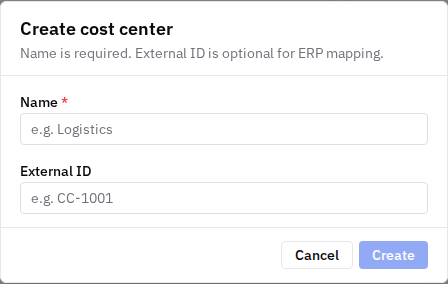
In the sidebar, go to Cost Centers and select Add Cost Center.
-
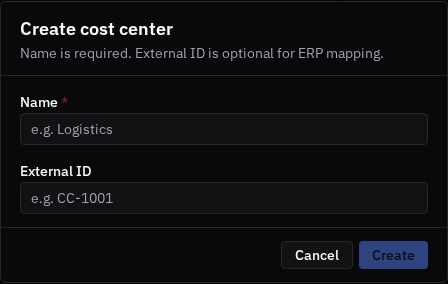
Enter a Name (e.g. Logistics). Optionally add an External ID to map the cost center to your ERP (e.g. CC-1001).
-
Select Create.
-
Assign each RFID card to the relevant cost center — on the card's page under RFID Tags (the Cost center field), or in bulk via the driver CSV import (the
cost_centercolumn), which also auto-creates any cost center named in the file that doesn't exist yet. -
To rename a cost center or remove it, click it in the list — this reopens the same dialog you used to create it, with a Delete option. There's no separate detail page for a cost center.
Seeing costs by cost center
-
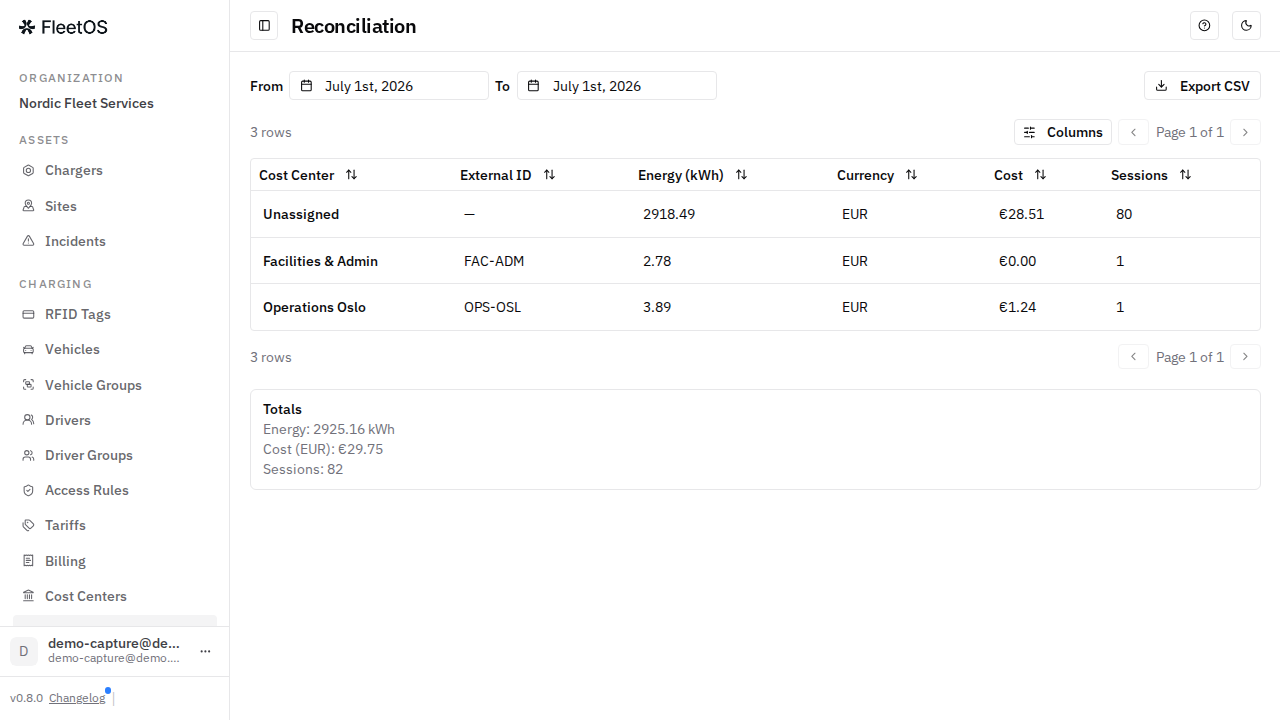
In the sidebar, go to Reconciliation.
-
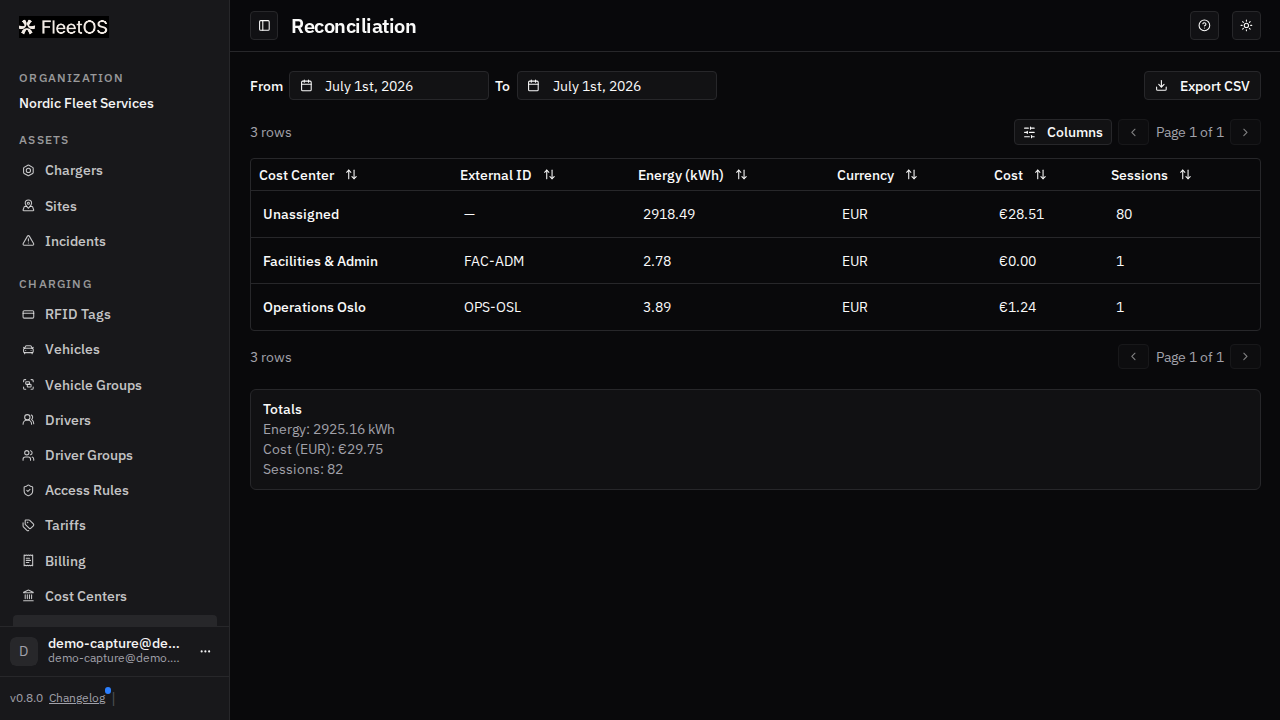
Pick the date range. The report shows, per cost center: energy, cost, and number of sessions — plus an Unassigned row collecting sessions whose card had no cost center. Cost centers with no sessions at all in the selected range aren't listed — the report only shows activity, not every cost center that exists.
-
Select Export CSV to hand the breakdown to accounting.
Good to know
- A cost center is assigned at the RFID-card level, alongside (but independently of) the card's tariff.
- When a card is tapped, the cost center attached to it is recorded on that session at the same moment the tariff is resolved — so, like billing, cost-center attribution is locked to the session and doesn't change retroactively if you reassign the card later.
- Unassigned cards simply have no cost center — their sessions land in the Unassigned row of the reconciliation report until you set one.
- The per-driver billing export is separate and cost-center-agnostic: departmental chargeback lives in the reconciliation report, per-person figures in the driver export.
Common issues
- Symptom: you reassigned a card to a new cost center, but a past session still shows the old one. Cause: attribution is locked to the session at tap time. Fix: this is expected — only new sessions follow the new assignment.
- Symptom: sessions appear under "Unassigned" in the reconciliation report. Cause: the card used had no cost center at tap time. Fix: assign a cost center to the card (RFID Tags page or CSV import); future sessions will be attributed.
- Symptom: the cost-center pages aren't visible in the sidebar. Cause: the module is off. Fix: an administrator can enable it under Organization → Modules → Cost Centers.
- Symptom: you can't delete a cost center. Cause: one or more RFID cards still reference it. Fix: reassign or clear the Cost center field on each of those cards, then delete it — past reconciliation rows and historical attribution are kept regardless.
- Symptom: a cost center you expected to see in a report is missing entirely. Cause: it had no sessions in the date range you picked. Fix: widen the date range, or check the cost center still has cards assigned to it.
Related pages
Last updated: 2026-07-14 · Verified on: FleetOS v0.8.0 (hosted demo)